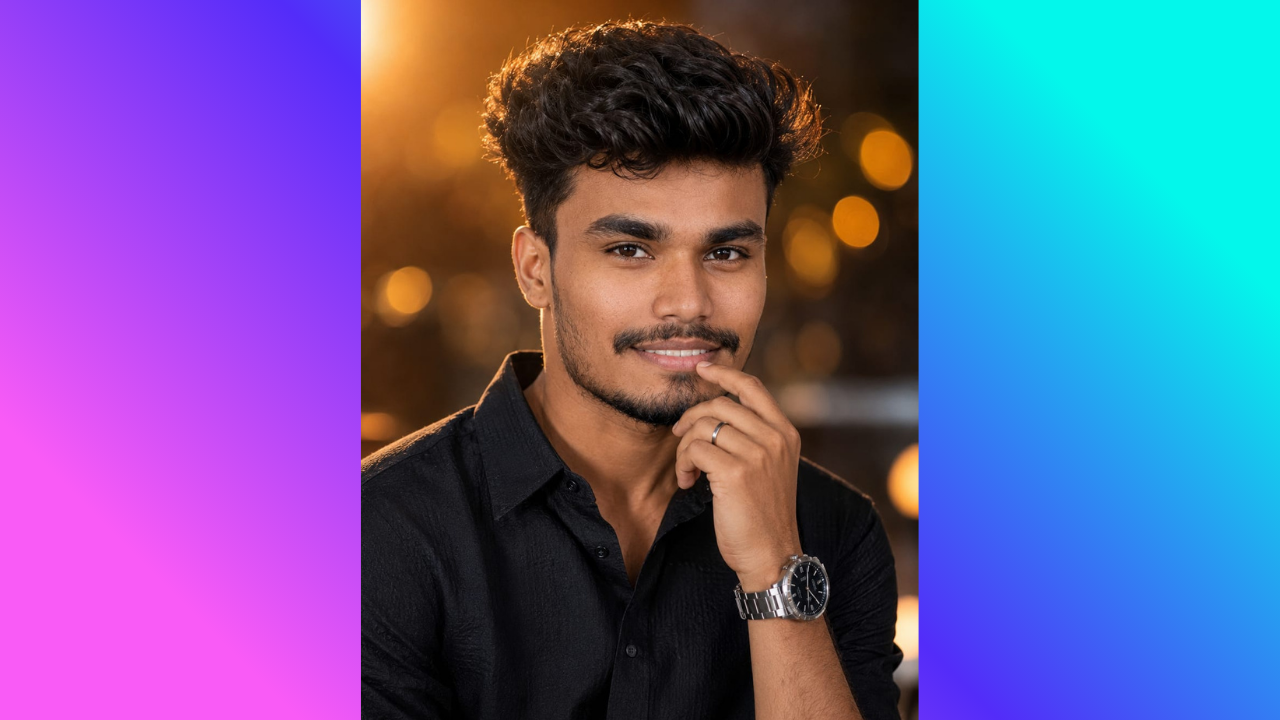
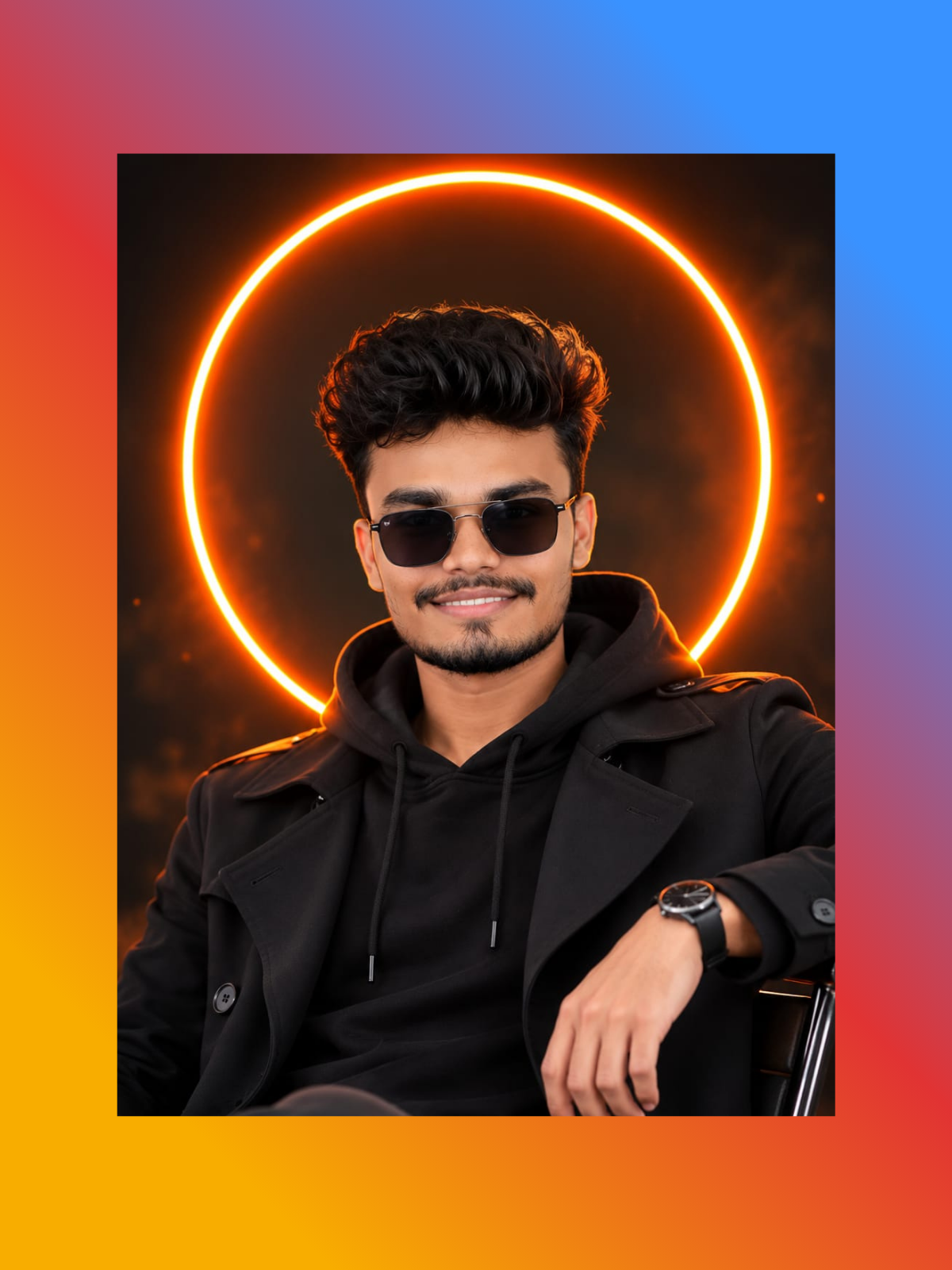
Upload Your Photo And Create Cinematic Neon Portrait.
Use the uploaded photo as the main person reference and create a realistic cinematic portrait.

Requirements
Keep the person's face, identity, hairstyle, facial features, expression, and natural skin tone unchanged.
Preserve realistic facial details and natural body proportions.
Dress the person in a stylish black hoodie layered under a modern black trench coat.
Add stylish dark sunglasses that fit naturally on the face.
Position a vibrant glowing orange neon circle directly behind the person's head, creating a striking halo effect.
Use moody cinematic lighting with subtle warm orange rim light around the hair, face, shoulders, and clothing.
Create a dark, modern urban background with a soft cinematic bokeh effect.
Use the visual characteristics of professional 85mm portrait photography with a shallow depth of field similar to f/1.8.
Keep the person as the clear main subject and naturally separated from the background.
Match the lighting, shadows, perspective, and colors realistically.
Preserve realistic skin texture, fabric details, and natural proportions.
Blend all edited elements seamlessly so the final result looks like a genuine professional photograph rather than an obvious AI composite.
Create a stylish, premium, modern fashion-photography aesthetic.
High-resolution, photorealistic, sharp subject, detailed face, cinematic depth, professional photography quality.
Do not add text, logos, watermarks, extra people, distorted facial features, or unnecessary objects.